How to Build a US GAAP Schedule of Investments Automatically (Linked to Excel)
July 1, 2026
US GAAP

Every time the NAV changes, the Schedule of Investments has to change with it. It's the longest table in a fund's financial statements and the one most exposed to manual error — sometimes hundreds of holdings, cost and fair value columns, subtotals by category, and a total that has to tie back to the balance sheet.
Most teams still rebuild it by hand. Export the portfolio from the accounting system, paste it into Word, reformat, re-check the subtotals, reconcile the total. Then the NAV moves, and you do it again.
There's a faster way: link the table in Word directly to your Excel source, once, and let it update itself.
The problem with rebuilding it manually
A Schedule of Investments isn't a static table. Fair values move at every reporting date. Positions open and close. Currencies revalue. Each change means re-pasting data, re-applying formatting, and re-verifying that every subtotal and the grand total still reconcile.
The work isn't difficult — it's repetitive and unforgiving. One misaligned paste or stale figure and the schedule no longer ties to the primary statements. Reviewers catch it, comments come back, and the cycle repeats.
The automated approach: map once, generate every time
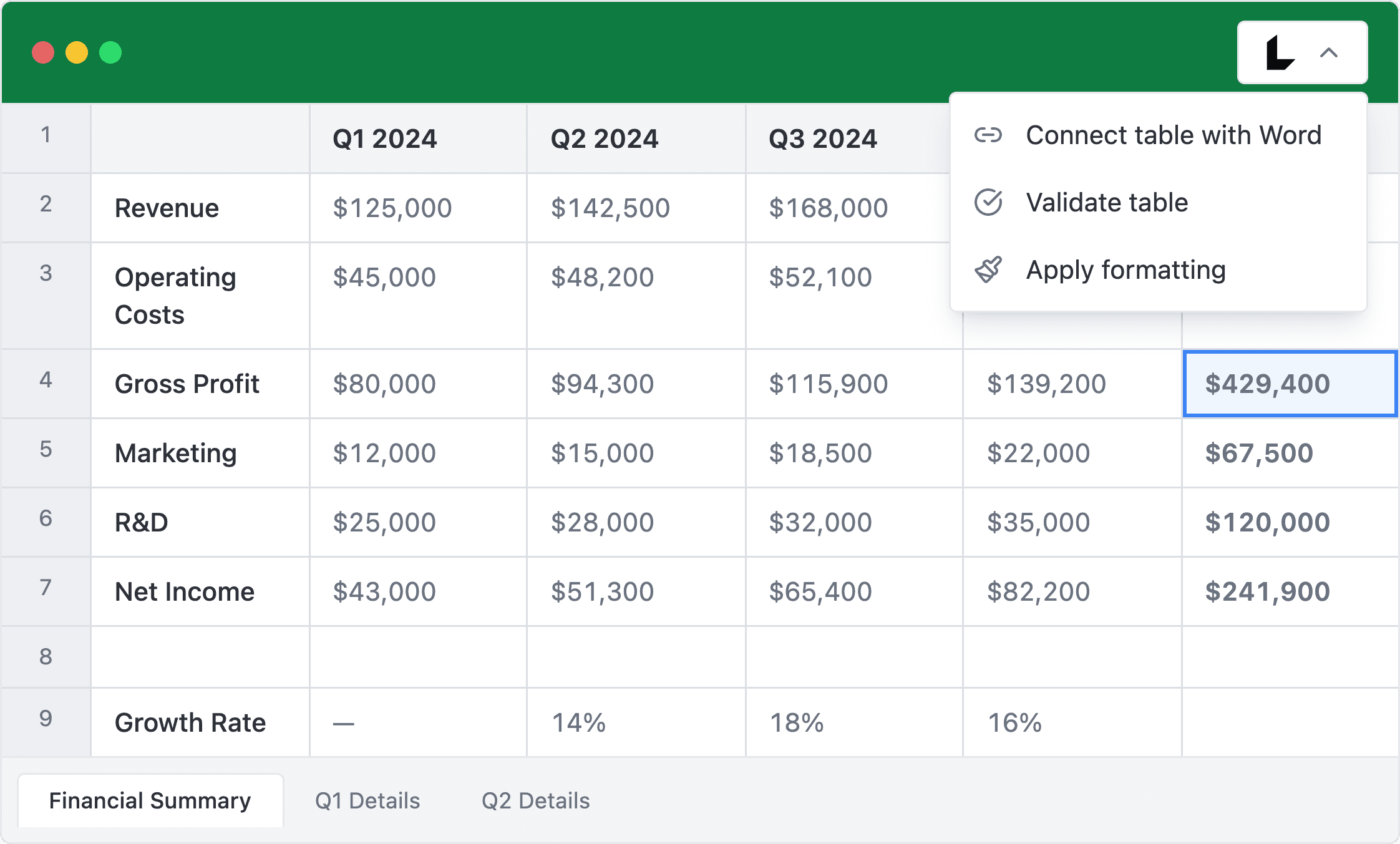
Instead of pasting data, you connect it. LedgerQ is a Microsoft Word add-in that builds the Schedule of Investments as a table linked to your Excel source file. You map the columns a single time; after that, the table regenerates from live data whenever you need it.
1. Map your Excel columns
Point LedgerQ at your portfolio extract and match your columns — security, currency, nominal, cost, fair value, percentage of net assets — to the schedule. You do this once per template.
2. Generate the table
Click Generate. LedgerQ builds the Schedule of Investments in Word: grouped by category, subtotalled, formatted, and reconciled to the total. No pasting, no manual formatting.
3. Let it stay in sync
Because the table is linked to your Excel source, you don't rebuild it when the data changes. Update the Excel file — a revised fair value, a new position, a corrected cost — and the table in Word reflects it. The mapping you set up the first time is reused every period.
What this changes in practice
The Schedule of Investments stops being a manual rebuild and becomes a generated output. When the NAV changes, you update the source and regenerate, rather than reconstructing the table from scratch. The subtotals and the total are computed for you, so what ties out once keeps tying out.
For fund accountants and auditors working to tight reporting deadlines, that removes one of the most time-consuming and error-prone steps in preparing the financial statements.
Built for fund reporting
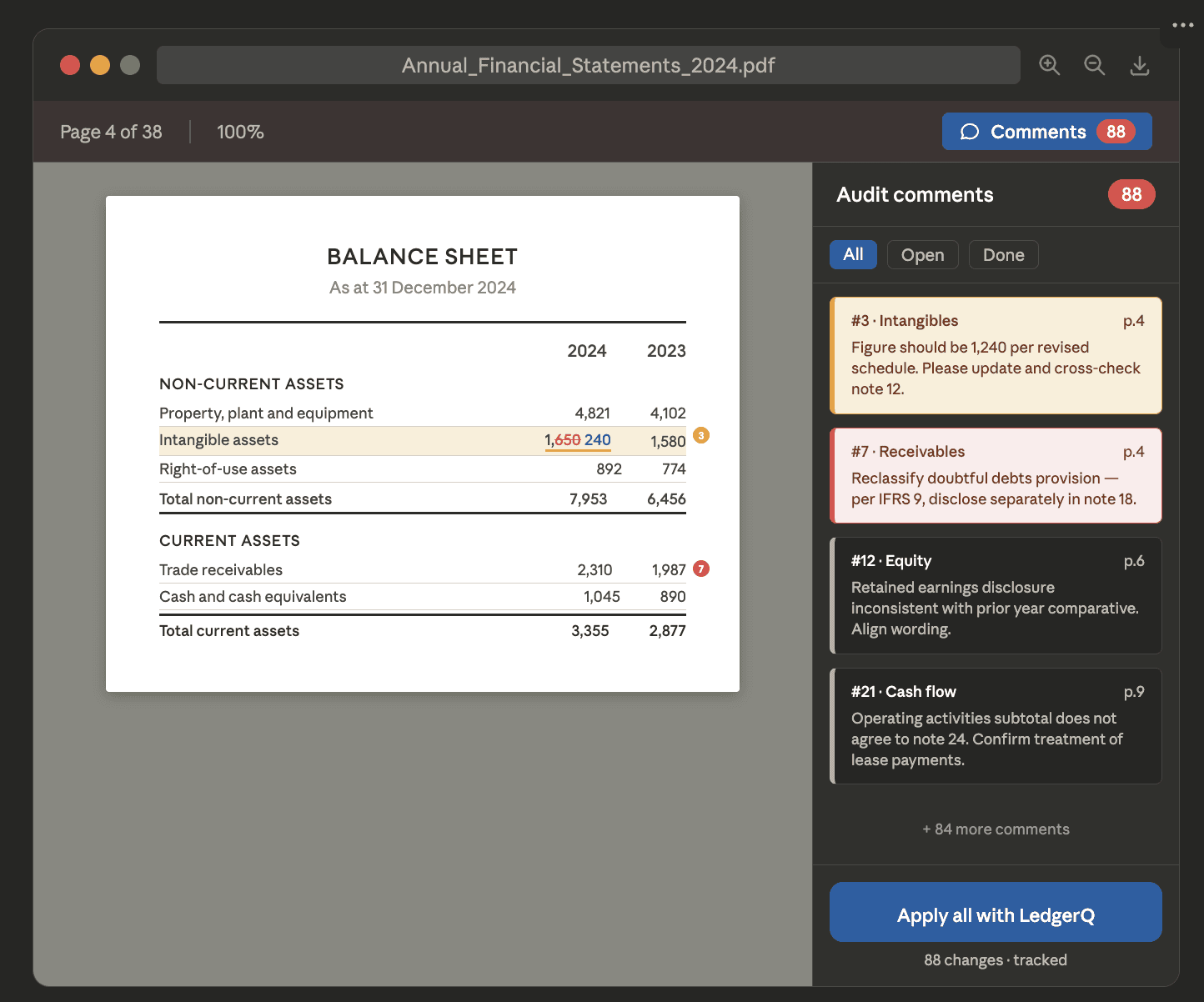
LedgerQ is built specifically for the way investment fund financial statements are prepared — linking Excel data to Word, applying auditor comments, and generating the primary statements and notes. The Schedule of Investments is one of the workflows it automates end to end.
What US GAAP actually requires
Under US GAAP, the Schedule of Investments is governed by ASC 946, and the disclosure rules aren't uniform — they depend on the type of fund.
For registered investment companies (and other funds that aren't investment partnerships), the default is a full schedule listing every holding, under Regulation S-X Rule 12-12. In shareholder reports, those funds may instead present a summary schedule — the 50 largest positions plus any other holding whose fair value exceeds 1% of net assets, with the rest aggregated — while still filing the complete schedule with the SEC.
For nonregistered funds — the investment partnerships most private funds are structured as — ASC 946-210-50-4 through 50-6 require a condensed schedule of investments. At a minimum it must:
Categorize investments by type (common stocks, preferred stocks, corporate bonds, and so on), by country or geographic region, and by industry, with derivatives shown separately where the underlying isn't a security.
Report the percentage of net assets each category represents, plus the total value and cost for the type and country/region categories. Separately identify any single investment — or the aggregate holdings in any one issuer — whose fair value exceeds 5% of net assets, showing the issuer name, the shares or principal amount, the type, and the value.
Aggregate all other investments (each below the threshold) without naming the individual issuers, while still reporting them within those categories.
Fund-of-funds add a look-through: an indirect position held through an investee fund that represents more than 5% of the reporting fund's net assets must be disclosed separately, either in the schedule or in a note.
Whichever regime applies, two things stay constant: every category subtotal and the grand total have to reconcile to fair value, and that total has to tie back to the statement of assets and liabilities. That reconciliation is exactly what breaks when the schedule is maintained by hand.
The Schedule of Investments is where reconciliation errors hide, and catching them at review is the most expensive place to catch them. Linking the table to the source data removes the step where those errors get introduced in the first place.